Give the shift back to the residents
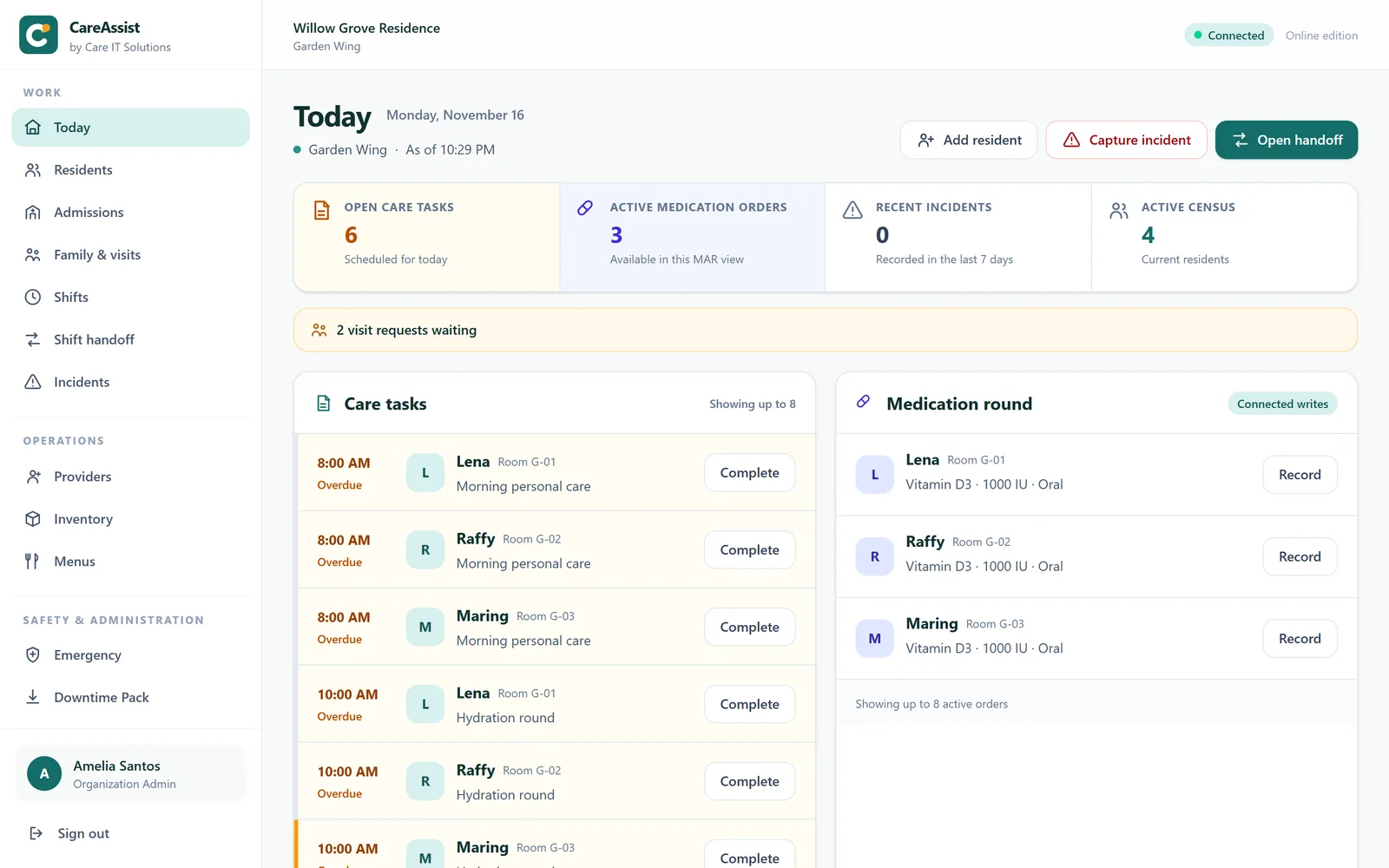
Tasks come from the published care plan, the handoff assembles itself, and the medication pass is recorded as it happens. Less of the shift spent catching paperwork up from memory.
Assisted living · Residential care · Memory care
CareAssist runs your whole community on one resident record — from the first inquiry to move-in day, through care plans, the medication pass, incidents, diets and the kitchen — and keeps families close with their own portal. An append-only history and an audit trail sit behind every entry.
Why communities move
Tasks come from the published care plan, the handoff assembles itself, and the medication pass is recorded as it happens. Less of the shift spent catching paperwork up from memory.
Append-only clinical history, hash-chained audit trail, and database triggers that block UPDATE and DELETE. Corrections attach as amendments showing both versions — nothing is quietly rewritten.
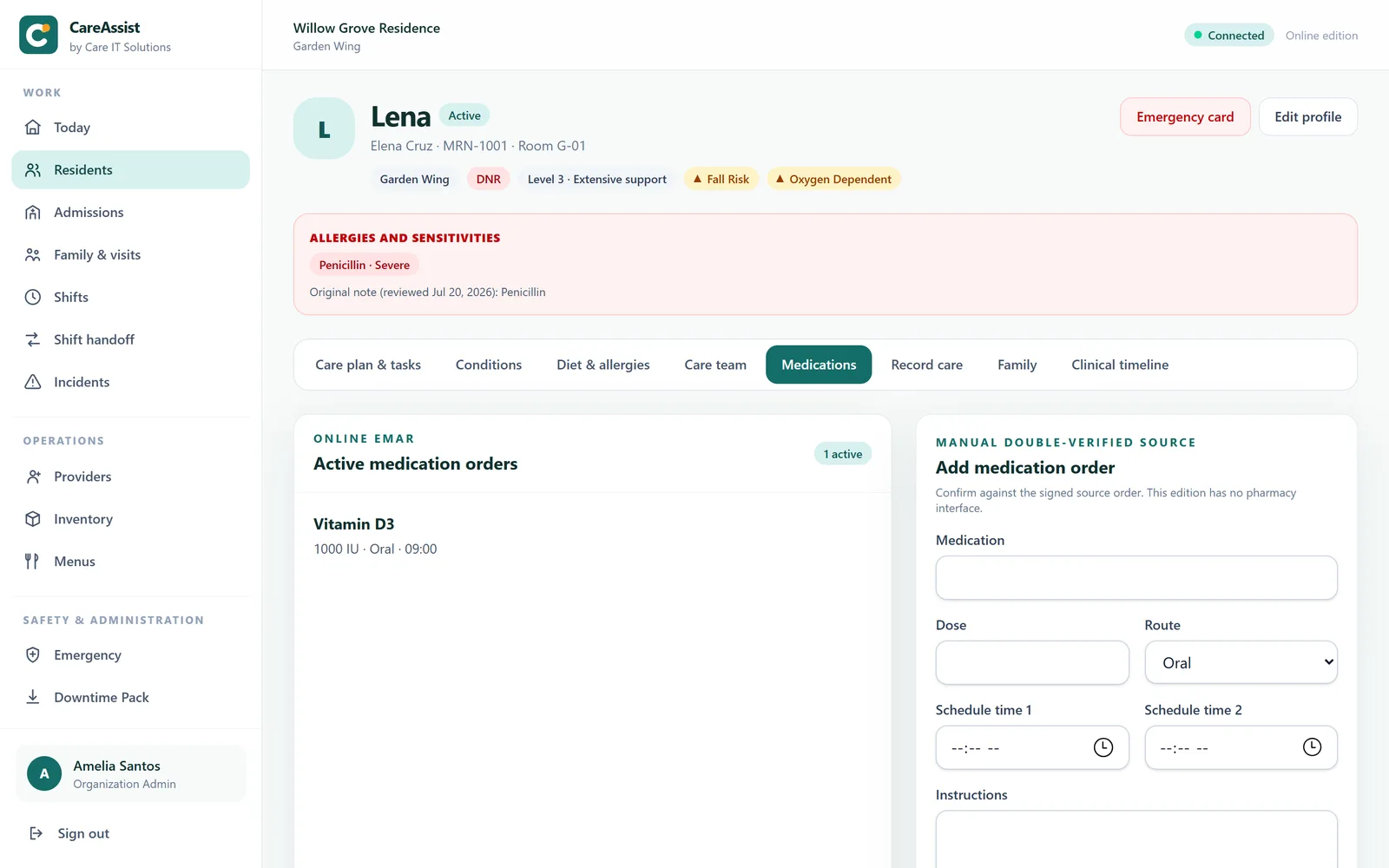
Condition flags on the roster row, structured code status, an emergency card that prints. A float caregiver who has never met these residents can still work safely.
The platform
Inquiry, tour, a scored pre-admission assessment and a paperwork checklist — then the resident record in one step.
Families see the updates and photos staff choose to share, and request visits inside your visiting hours.
Structured flags and code status, visible on the roster before anyone clicks into a chart.
Published plans generate the shift's tasks. Refusals are recorded as refusals, with a reason.
Resident, drug, dose, route and time confirmed at administration — enforced in the application.
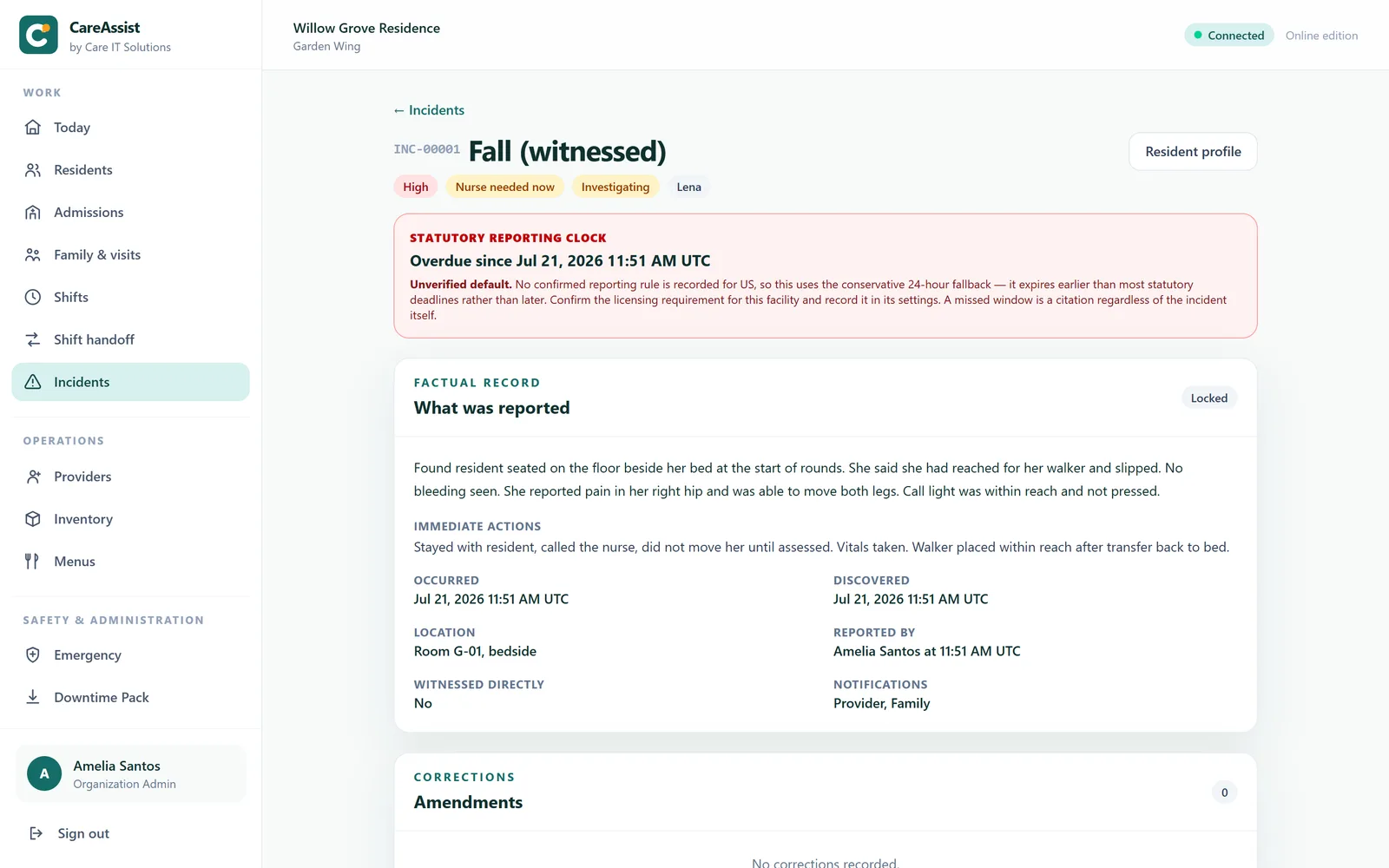
Filing a fall opens the observation protocol and starts your state's reporting countdown.
Structured allergies and IDDSI textures that reach all the way to the kitchen board.
Who is on, who they have, and an acknowledged handoff at the end of every shift.
Co-management notes, outside providers and therapy attendance — without giving anyone a login.
Stock derived from movements, par-level reordering, expiry sweeps, per-resident consumption.
Author the cycle once; textures derive per resident and portions tally by texture.
The questions asked most often, answered from the live record rather than a cached copy.
Hash-chained, uneditable by any role, covering reads of sensitive records as well as writes.
Generated paper — MAR sheets, summaries, emergency cards — for when the network is not there.
Built for the people using it
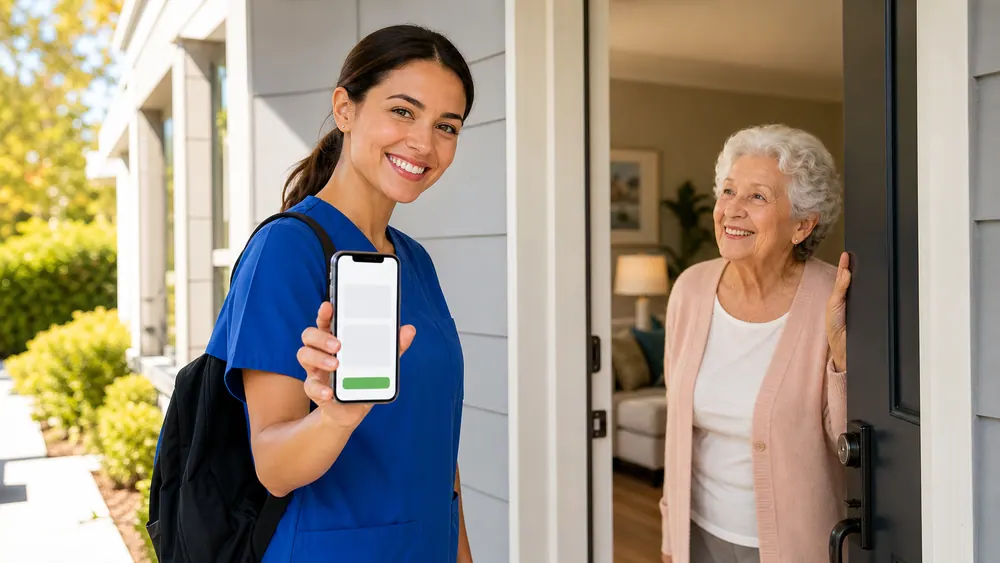
CareAssist runs in the browser on a phone or tablet — nothing to install, nothing to sync. Your assigned residents, the tasks due, and the flags that change how you approach someone are on the first screen.
Five rights confirmed at administration, an allergy cross-check on drug stems, and an administration record that cannot be quietly rewritten afterwards.

The incident file, the audit trail and the exports are assembled continuously by people doing their jobs — not reconstructed the week a surveyor books a visit.

Engineering you can hold us to
A prompt you can dismiss is not a control. These are enforced in the application and, where it matters, in the database underneath it.
Database triggers block UPDATE and DELETE. A correction is an amendment that shows both versions, so nobody can tidy the record after an event.
The administration cannot be recorded without them. A prompt you can dismiss is not a control.
An allergy or interaction warning informs the person giving the dose; it does not lock them out. Software that stops a pass creates a workaround.
Allergies and code status are structured records. The system will not parse a sentence and act on what it thinks it found.
Occurrence times are normalised from the facility timezone server-side. A device with the wrong clock cannot misdate a clinical record.
With no state rules recorded, the countdown defaults to 24 hours for every severity — earlier than any realistic deadline. Conservative by design, and it says so on screen.
The resident record cannot be created until the assessment is signed and the required documents are ticked. A suggested care level is shown with every point behind it, and a nurse who approves a different level must write down why.
Nobody sees a resident in the family portal until staff record why they may — the resident's consent, a power of attorney, a guardianship. Access is per resident and can be withdrawn, and the portal never shows the clinical chart.
From the first call to move-in day
Every prospective resident moves from inquiry to tour to assessment to approval on one board. The pre-admission assessment adds up a suggested level of care while the nurse answers, the checklist holds the paperwork, and move-in creates the resident record in one step — so nothing is typed twice.
/admissions 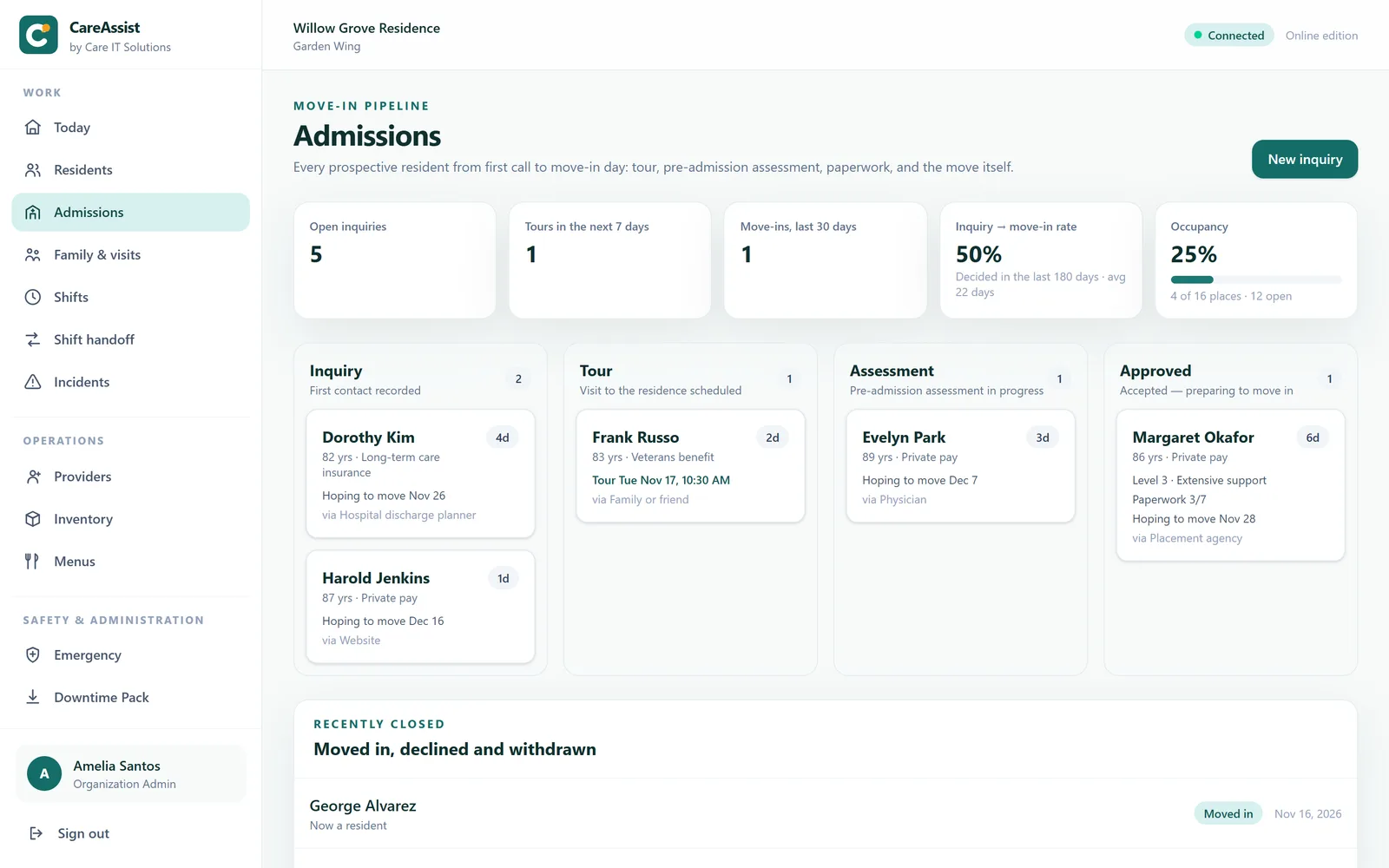
Families, kept close
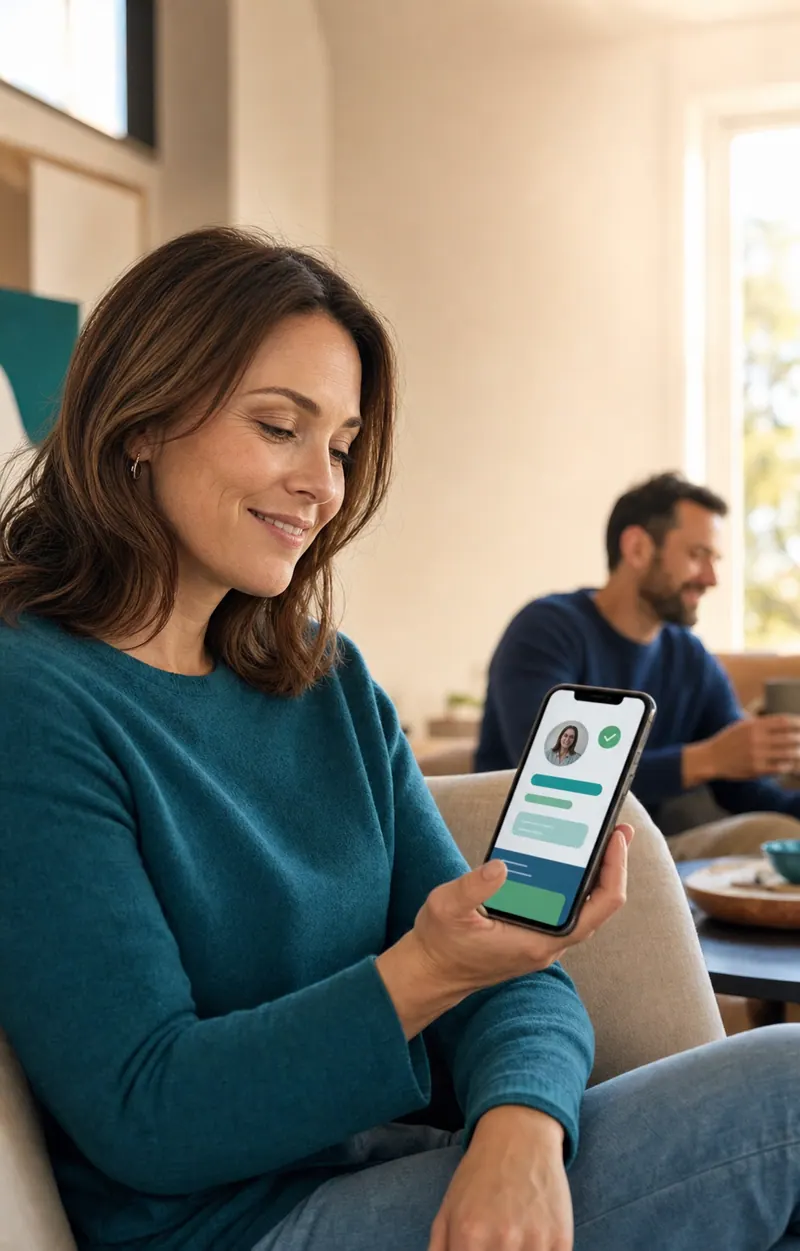
Staff share a moment, an activity or a wellbeing note — with a photo when the resident agrees — and it appears in the family's own portal. Families request visits inside your visiting hours, and you confirm them in a click. And when a daughter rings on Thursday about Tuesday, the resident's timeline still has the whole answer.
To be clear: the portal is for sharing and visiting, not for urgent questions. Two-way messaging, billing statements and two-step sign-in for family accounts are not in this build.
/family 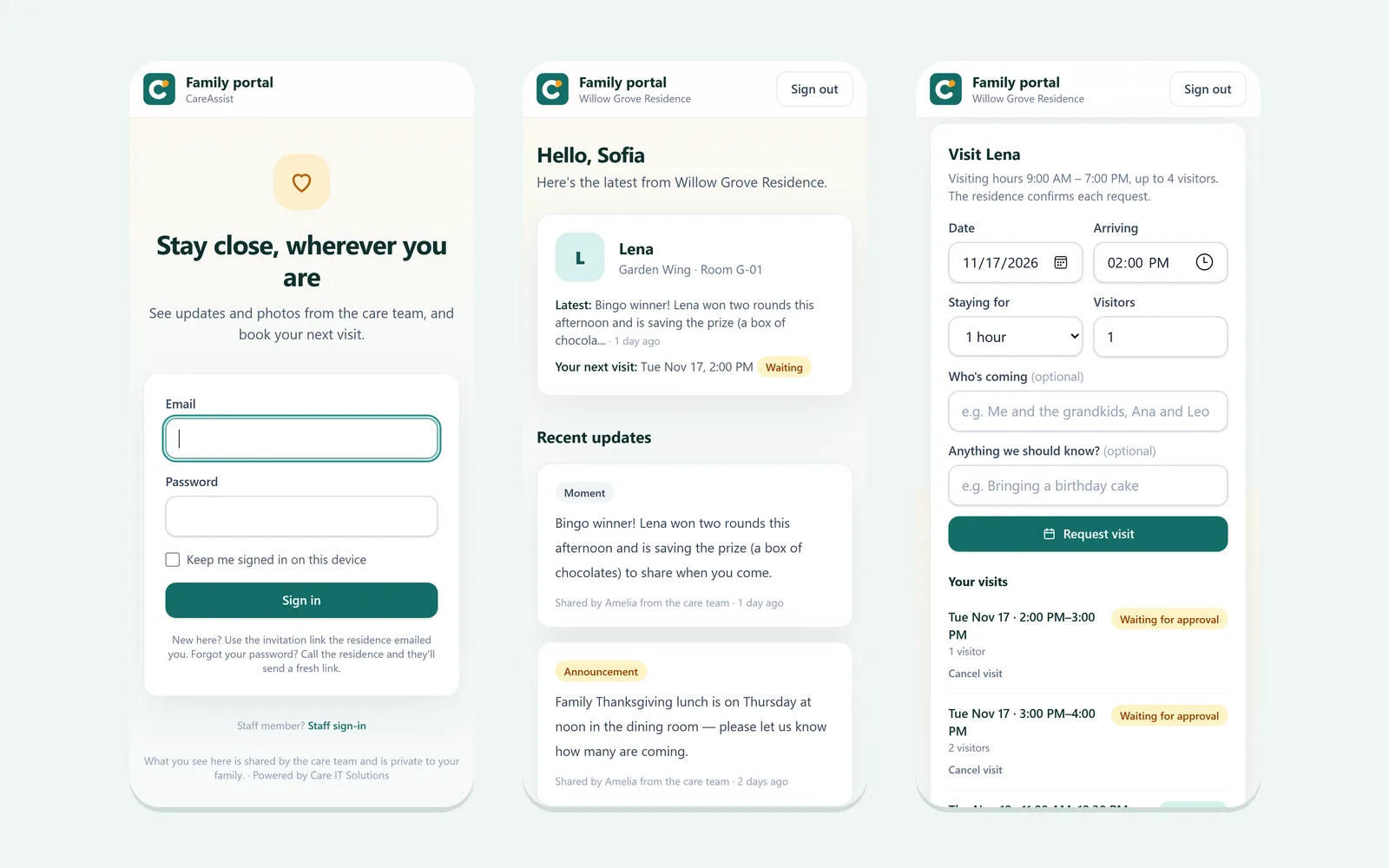
What this is, and is not
Assisted living software gets bought on promises and lived with for years. Here is the part most vendors leave for the implementation call.
CareAssist is not certified, and we do not represent it as HIPAA-attested. It is built with the controls a regulated deployment needs — individual accounts, two-factor, role-based permissions, an append-only record and a hash-chained audit trail — and an external security assessment is a deferred gate we will complete with a design partner. Any vendor telling you their software makes you compliant is selling you something software cannot do.
Where it fits
Care plans, the medication pass, incidents, diets and the kitchen — on one resident record, with an append-only history behind every entry.
Read moreA small home does not have a compliance department. CareAssist keeps the record defensible as a by-product of the work, not as a second job.
Read moreElopement risk, falls risk, behavioural triggers and code status belong on the roster row — not three clicks into a chart nobody opens mid-incident.
Read moreFacilities in different states keep their own timezone, their own reporting rules and their own record — while you get one place to look across all of them.
Read morePublished pricing
$229/mo
Up to 12 licensed beds · one facility
$429/mo
Up to 30 licensed beds · one facility
$699/mo
Up to 60 licensed beds · one facility
$999/mo
Up to 100 licensed beds · up to 3 facilities
Plus a one-time implementation of $1,900 — or 3 monthly payments of $800 ($2,400 in total, because carrying the balance costs something and we would rather print that than bury it).
By licensed beds — never per user. Four bands: 12, 30, 60 and 100 beds, with the largest also covering up to three facilities. Staff accounts are unlimited on every plan, because assisted living turns over roughly 43% of its caregivers a year and you should not be billed for that.
A flat $1,900, one time, covering provisioning, facility setup, your resident and medication data, role-based training and go-live. Or three monthly payments of $800 — $2,400 total, because carrying the balance costs something and we would rather print that than bury it.
Nothing shuts off. We move you to the next band at renewal. Locking a caregiver out mid-pass is a safety problem, not a collections strategy.
Yes, at any time — CSV exports of residents, medications, incidents and the audit trail come from the product itself, plus a full database export on request. Not just on the way out.
A live walkthrough on the real product — the morning medication pass, an incident filed at the scene, and what a surveyor would see afterwards.